
Buying a label printer is the easy part. Buying labels for it turns out to be a surprisingly deep subject, full of unfamiliar terms like liner, core diameter, and topcoat. Many printer owners learn this the hard way, after ordering a case of labels that jam the feed path or produce faint, unscannable barcodes. The truth is that a thermal printer performs only as well as the media running through it, and matching labels to your specific Xprinter model is what separates smooth daily printing from constant troubleshooting. A little knowledge about label construction goes a long way toward avoiding expensive mistakes.
Understanding the Anatomy of a Thermal Label
Every thermal label is built from layers, and knowing them explains most compatibility issues. The top layer is the facestock, which can be paper or synthetic material and carries a special thermal label printer coating on direct thermal products. Beneath it sits the adhesive, which varies in strength and formulation depending on the surface it must stick to. Under that is a liner or backing sheet that protects the adhesive until application. The liner's thickness and release properties affect how cleanly the label separates and how reliably the printer feeds. Problems that seem like printer faults often trace back to one of these layers behaving differently than the machine expects.
Matching Media Width to Your Printer Model
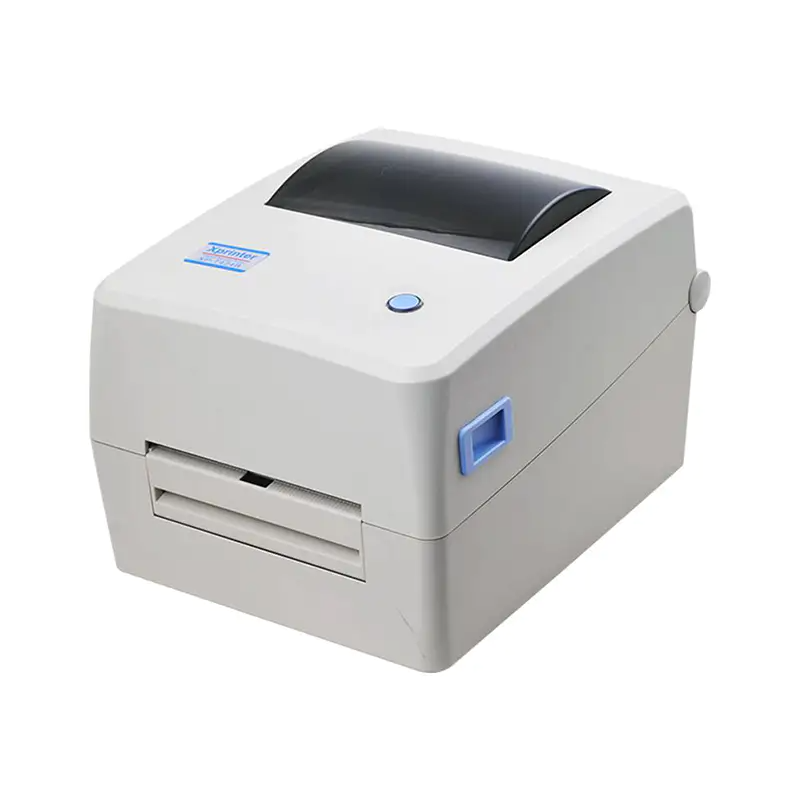
The most fundamental compatibility check is width. Every Xprinter machine has a maximum media width it can accept, commonly three inches on compact models and four inches on wider units. Labels exceeding that limit simply will not feed, no matter how the guides are adjusted. The minimum width matters too, since very narrow labels can slip sideways without adequate support. Equally important is the printable width, which is usually slightly less than the media width because the print head cannot reach all the way to the edges. Always compare the label's actual dimensions against the printer's specifications rather than assuming a standard size will fit.
Core Size and Roll Diameter Considerations
The core is the cardboard tube at the center of a label roll, and its diameter determines whether the roll mounts correctly on the printer's spindle. Common core sizes include one inch and three inches, and a printer designed for one will not accept the other without an adapter. Outer roll diameter matters as well, because larger rolls hold more labels but may not fit inside a compact printer's compartment. Choosing the largest roll your machine supports reduces how often staff must stop and reload, which is a genuine productivity gain in busy environments. Checking both measurements before ordering prevents returns and wasted shipping costs.
Direct Thermal Versus Thermal Transfer Media
Not all labels work with all printing methods, and mixing them up produces disappointing results. Direct thermal labels carry a heat-sensitive coating that darkens when the print head passes over it, requiring no ribbon and suiting short-lived applications like shipping labels and receipts. Thermal transfer labels are designed to receive ink from a ribbon instead, and they often lack the thermal coating altogether. Running thermal transfer stock through a direct thermal printer produces blank output, while running direct thermal labels in a thermal transfer printer wastes the coating and may cause smudging. Confirm which technology your printer uses before ordering.
Adhesive Selection for Different Surfaces
The adhesive determines whether a label stays where it is placed, and choosing poorly leads to peeling corners and lost identification. Permanent adhesives suit most retail and shipping applications and bond firmly to cardboard and paper. Removable adhesives allow clean repositioning, which is useful for promotional labels and temporary signage. Freezer-grade adhesives handle cold and damp conditions, while high-tack options grip difficult surfaces such as plastic drums or slightly oily metal. Matching the adhesive to the surface and storage conditions prevents the frustrating scenario of labels falling off weeks after application, long after the shipment has left the building.
Sensing Methods and Label Alignment
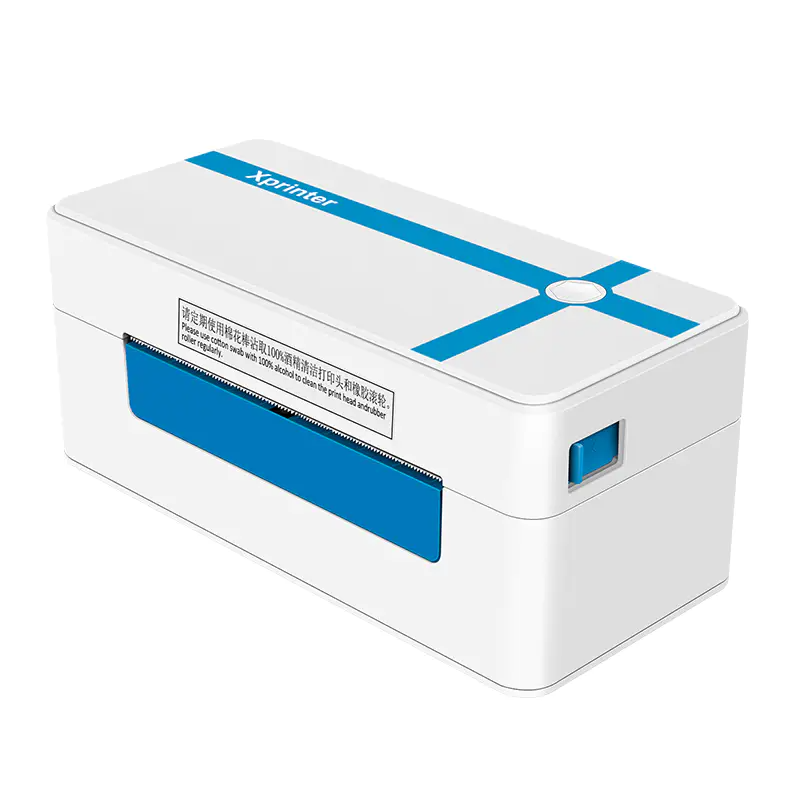
Thermal printers rely on sensors to detect where one label ends and the next begins, and different label formats require different sensing methods. Gap-sensed labels have a small space between each sticker, which the printer detects optically. Black mark labels carry a printed stripe on the backing that the sensor reads instead. If you load gap-sensed labels into a printer configured for black marks, it will feed continuously and print in the wrong places. Some Xprinter models support both methods and switch automatically, but checking your printer's capabilities and setting it correctly is essential for consistent alignment.
Balancing Quality, Quantity, and Cost
Once compatibility is settled, the remaining decision is about value. Cheaper label stock often uses thinner liners and lower-grade coatings that produce faint images and jam more frequently, costing more in wasted time than they save. Mid-range options typically offer the best balance for everyday business use, while premium materials make sense for labels that must survive harsh conditions or long storage. Buying in larger quantities lowers the per-label cost but requires proper storage away from heat and sunlight, since thermal coatings degrade over time. Weighing these factors against your actual print volume keeps spending sensible without compromising output.