
It seems like a simple question at first. You need to print labels, and you already own a standard office printer, so why spend money on a dedicated machine? Many businesses start out exactly this way, running sheets of adhesive labels through an inkjet or laser printer, and for a while it works well enough. Then the volume grows, the sheets jam, the ink runs dry, and someone spends an afternoon peeling crooked labels off a backing sheet. That is usually the moment when a thermal label printer like the ones Xprinter makes starts to look like a smart investment rather than an unnecessary expense.
How Standard Printers Approach Label Printing
A conventional inkjet or laser printer was designed with paper documents in mind, not adhesive labels. It expects flat sheets that feed evenly and emerge as finished pages, which is why label printing on these machines relies on pre-cut label sheets. This approach works reasonably well for very low volumes, such as a small office printing a handful of address labels each week. The appeal is obvious, since no extra equipment is needed and the printer is already sitting there. However, the moment label printing becomes a routine task rather than an occasional one, the limitations of this method begin to surface quickly and repeatedly.
Where Standard Printers Start to Struggle
The problems with sheet-fed label printing compound as volume increases. Inkjet printers smudge easily on glossy label stock and consume expensive cartridges at an alarming rate. Laser printers subject adhesive sheets to high heat, which can cause labels to curl, peel inside the machine, or leave residue on internal rollers. Alignment is another persistent headache, because a slight feed error means every label on the sheet is off-center. Perhaps the biggest hidden cost is wasted material, since partial sheets are awkward to reuse and often get thrown away. For a business printing dozens of labels a day, these small frustrations add up to real time and money lost.
How Xprinter Thermal Printers Handle Labels Differently
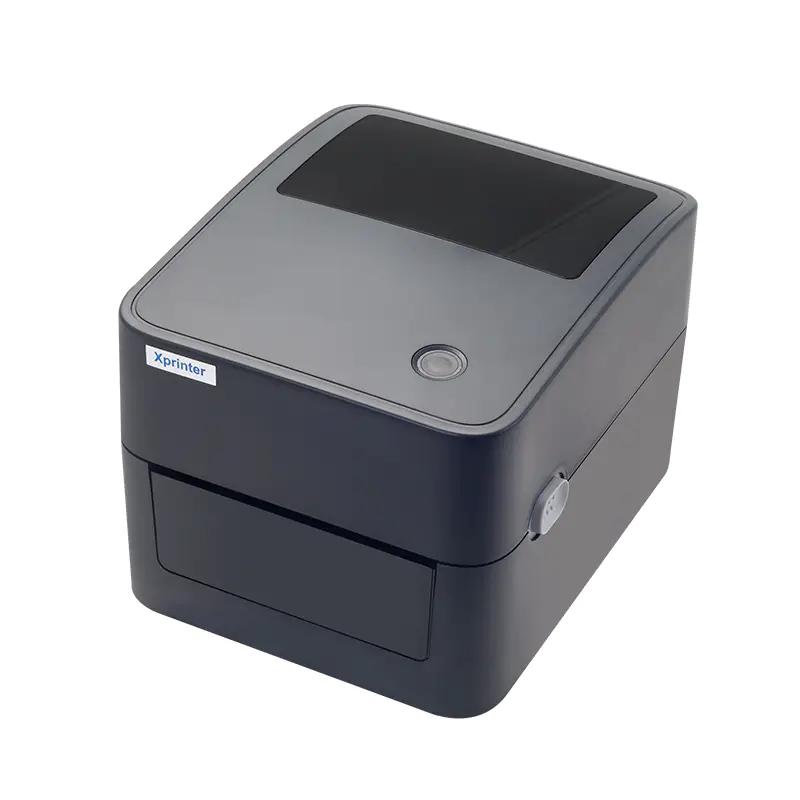
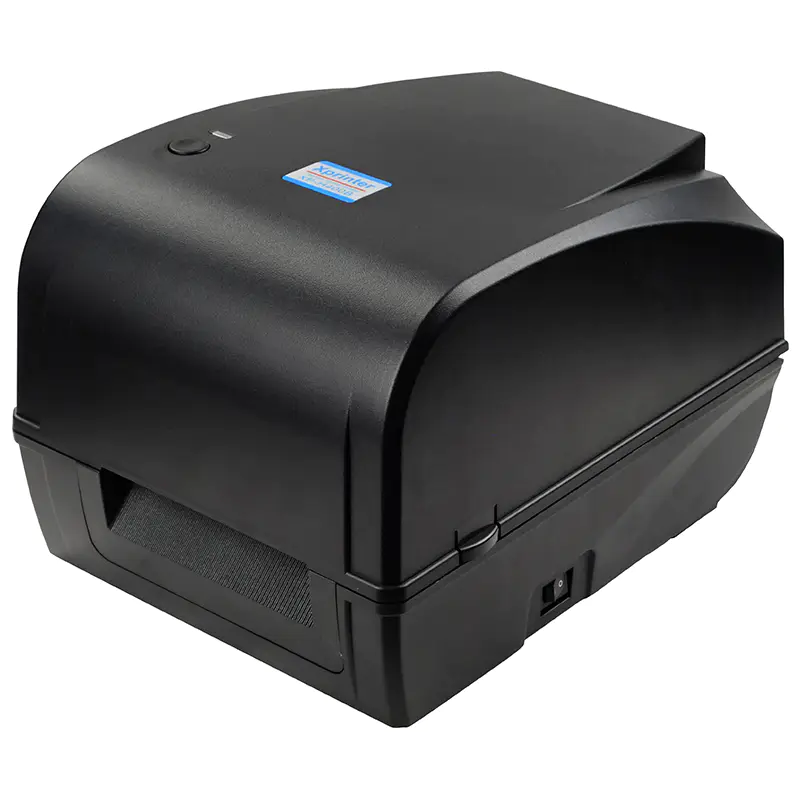
Thermal label printers take an entirely different approach by feeding continuous rolls of label stock rather than sheets. Xprinter models use heat to create the image, which means no ink cartridges, no toner, and no warm-up cycles. Each label is produced individually, so there is no partial sheet waste and no peeling labels off a backing page. Print speeds are significantly higher, and the output is consistent from the first label to the thousandth. The machines are also built to handle the adhesive media directly, with feed mechanisms designed specifically for label rolls rather than flat paper, which eliminates the jamming issues that plague standard printers.
Comparing Print Quality and Barcode Reliability
For businesses that rely on barcodes, print quality becomes a functional concern rather than a cosmetic one. Thermal printers produce sharp, high-contrast barcodes with clean edges that scanners read reliably on the first attempt. Standard printers can produce acceptable barcodes at low volume, but ink bleeding, toner streaking, and slight misalignment often cause scanning failures that slow down checkout lanes and warehouse operations. Xprinter offers 203 dpi models for standard barcode work and 300 dpi models for small or dense codes, giving businesses a way to match resolution to their actual scanning requirements. When a single failed scan costs a few seconds, those seconds multiply fast across a working day.
Understanding the Real Cost Difference
The upfront price gap is real, since a standard printer costs less than a dedicated label printer. But upfront price tells only part of the story. Ink and toner are among the most expensive consumables in any office, and label sheets cost far more per label than thermal roll stock. Thermal printers use no ink at all, so ongoing expenses shrink to the label material itself. Add in the labor saved from fewer jams, no peeling, and no reprinting spoiled sheets, and the thermal option often becomes cheaper within months for anyone printing labels regularly. Businesses printing only occasionally may never reach that break-even point, which is worth acknowledging honestly.
Matching the Tool to the Task at Hand
The sensible answer usually depends on frequency and purpose. If you print a few dozen labels a month for mailings or file folders, a standard printer with label sheets is perfectly adequate and requires no extra investment. Once labeling becomes a daily activity tied to shipping, inventory, or retail pricing, a dedicated thermal printer starts paying for itself through speed, reliability, and lower consumable costs. Xprinter models range from compact desktop units to industrial machines, so the choice scales with your operation. Rather than asking which technology is better in general, ask which one fits the specific rhythm of your workflow.
Making a Decision You Will Not Regret
Choosing between a standard printer and an Xprinter thermal label printer comes down to honesty about your labeling habits. Standard printers are versatile document machines that tolerate light label duty, while thermal printers are specialists built for repetitive, high-volume labeling work. Consider how many labels you print each week, how critical barcode accuracy is to your operations, and how much time your team currently loses to jams and misprints. When those answers point toward regular labeling, investing in a dedicated thermal solution stops feeling like an extra expense and starts looking like a straightforward operational improvement.